Mobile Apps 2026

Best Online Trading Apps in the UK for 2026

Mobile trading has transformed how UK investors access the markets. Discover the best online trading apps for 2026, with FCA regulated brokers, intuitive mobile platforms and commission-free options for trading on the move.

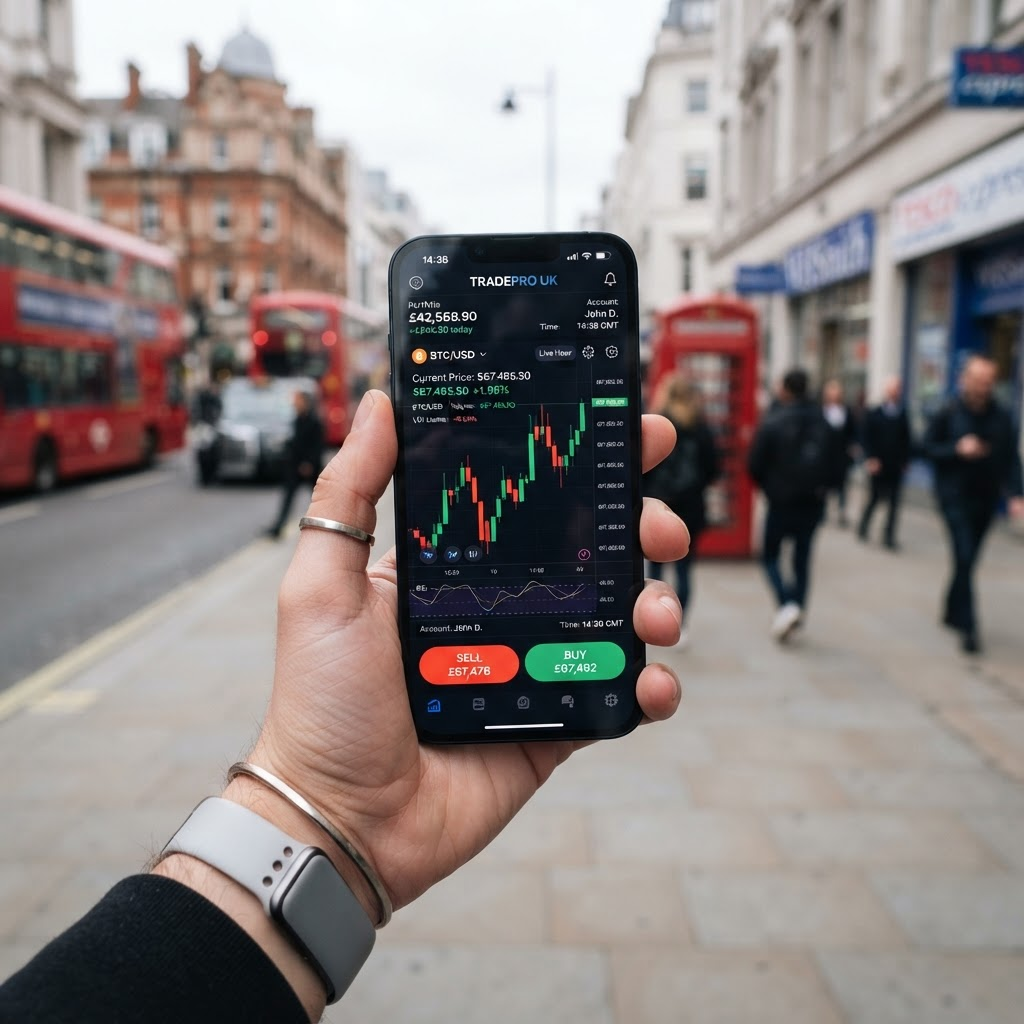
Trader using a mobile online trading app in the United Kingdom

Best Trading Apps UK 2026

1

Plus500

Leading CFD Broker in the UK

4.8out of 5 rating

FCA regulated CFD trading

Min. Deposit
£50
Founded
2008
Platforms
Plus500 WebTrader, App
Regulation
FCA (FRN 509909)
Visit Plus500

Plus500 Authorised and Regulated by the FCA (FRN 509909) in the UK. 76% of retail CFD accounts lose money.

2

XM

Global Multi-Asset Broker

4.7out of 5 rating

Low spreads & fast execution

Min. Deposit
£5
Founded
2009
Platforms
MT4, MT5, XM App
Regulation
FCA, CySEC, ASIC
Visit XM
3

SabioTrade

Leading Prop Trading Firm

4.5out of 5 rating

Trade funded accounts up to $200K

Min. Deposit
From $89 challenge fee
Founded
2021
Platforms
SabioTrade Web & App
Regulation
Prop firm · Ireland
Visit SabioTrade

SabioTrade is a proprietary trading firm, not a CFD/forex broker. You trade the firm’s capital after passing an evaluation and share in the profits.

4

HYCM

Established Broker Since 1977

4.4out of 5 rating

Forex, shares and commodities

Min. Deposit
£20
Founded
1977
Platforms
MT4, MT5
Regulation
FCA, CySEC, DFSA
Visit HYCM
5

Exness

Trusted Low-Spread Broker

4.3out of 5 rating

Instant withdrawals & tight spreads

Min. Deposit
£50
Founded
2008
Platforms
MT4, MT5, Exness Terminal
Regulation
FCA, CySEC, FSCA
Visit Exness

The online trading apphas become the primary way most British investors interact with the financial markets. Whether you are commuting on the London Underground, waiting for a coffee in Manchester or relaxing at home in Edinburgh, a good mobile trading app gives you instant access to global markets from the palm of your hand. In 2026, the quality of a broker's mobile app is one of the most important factors when choosing where to trade online in the UK.

Definition

Online Trading App

An online trading app is a mobile application, available on iOS and Android, that lets you open and close positions on financial markets such as forex, shares, indices, commodities and cryptocurrencies directly from your smartphone or tablet. The best apps offer real-time quotes, charting, risk management tools, deposits, withdrawals and account management in one place.

What Makes a Great Online Trading App?

Not all trading apps are created equal. The difference between a market-leading app and a mediocre one can be the difference between catching a move and missing it entirely. Here are the qualities that define the best online trading apps in the UK for 2026.

1. Speed and Reliability

Markets move fast, and your app needs to keep up. The best apps execute orders in milliseconds and rarely crash or freeze, even during volatile market conditions such as major economic announcements. Plus500 and Exness are particularly well regarded for the stability of their mobile platforms.

2. Intuitive User Interface

A cluttered, confusing app leads to costly mistakes. Leading apps like the XM app and the Plus500 app are designed to be clean and intuitive, so you can place a trade, set a stop loss and check your balance without hunting through menus.

3. Charting and Analysis Tools

Serious traders need serious charts. The best online trading apps offer multiple timeframes, dozens of technical indicators and drawing tools. Apps that connect to MetaTrader 4 and MetaTrader 5 — such as XM, HYCM and Exness — bring desktop-grade analysis to mobile.

4. Risk-Management Features

Stop-loss orders, take-profit orders and guaranteed stops help you manage risk on the go. Given that a large majority of retail CFD accounts lose money, these tools are essential for protecting your capital.

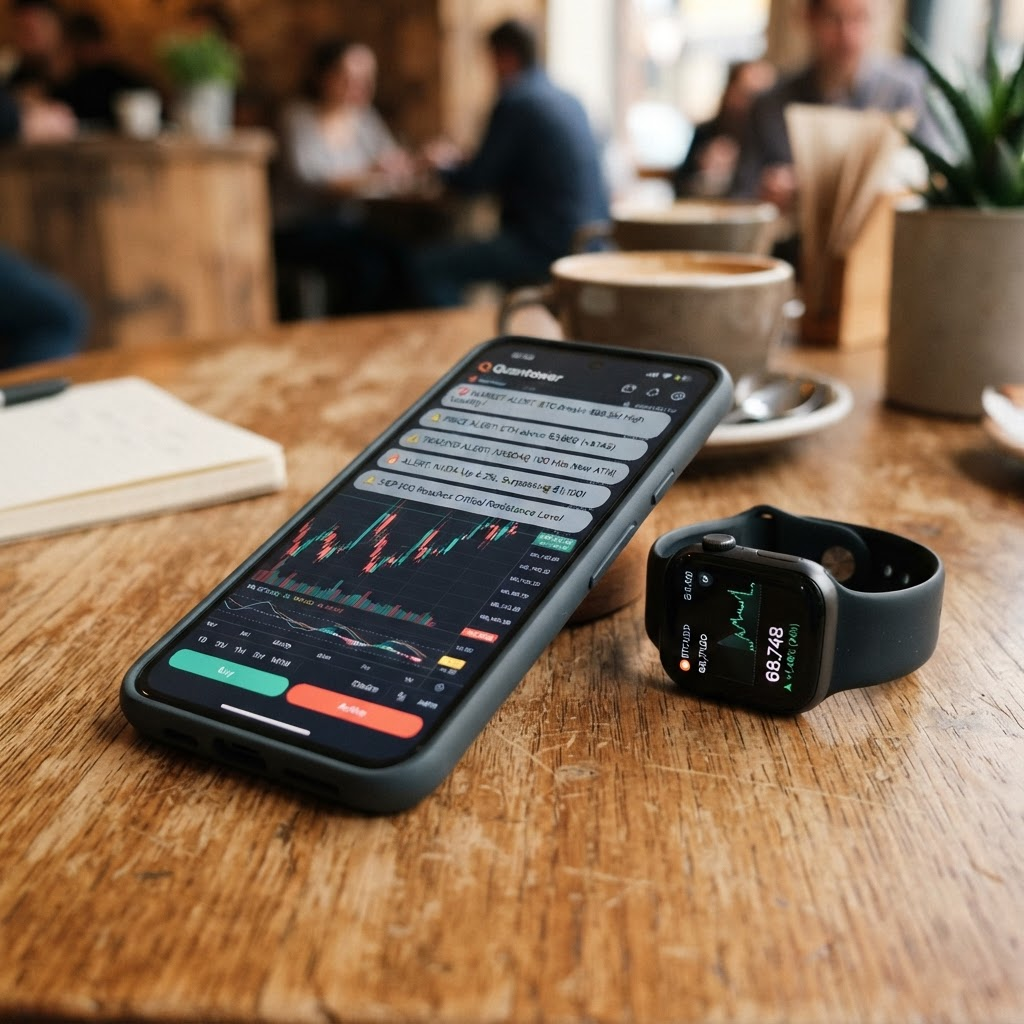
Trader placing a trade on a mobile online trading app in the UK
The best UK trading apps put forex, shares and CFDs in your pocket.

Key Features to Look For

  • FCA regulated or tier-1 regulated broker
  • Fast, reliable order execution
  • Clean, intuitive user interface
  • Advanced charting and technical indicators
  • Stop-loss and take-profit risk tools
  • Biometric login (Face ID and fingerprint)
  • Fast UK deposits and withdrawals
  • Free demo account to practise

Online Trading Apps for Beginners

If you are new to the markets, the right app can make learning far easier. We recommend starting with an app that offers a free demo account so you can practise with virtual funds before risking real money. The XM app and Plus500 app both offer demo accounts, making them excellent choices for beginners. For a complete introduction, read our online trading for beginners guide.

Commission-Free Trading Apps

Several trading apps now advertise commission-free trading, particularly for shares and CFDs. Plus500, for example, charges no commission and makes its money from the spread. However, commission-free does not mean cost-free — you will still pay the spread, and possibly overnight financing charges on leveraged positions. Always read the fee schedule carefully.

Are Trading Apps Safe in the UK?

Trading apps from FCA regulated brokers are safe in the sense that the broker is authorised and supervised, your funds are held in segregated client accounts, and eligible clients are covered by the Financial Services Compensation Scheme (FSCS). Plus500UK Ltd, for example, is Authorised and Regulated by the FCA (FRN 509909). However, no app can remove the market risk of trading itself — 76% of retail CFD accounts lose money when trading CFDs with Plus500.

To keep learning, compare the full list of online trading platforms and read our trading platform reviews.

The Rise of Mobile Trading in the UK

Just a decade ago, serious trading meant sitting at a desktop computer with multiple monitors. Today, the majority of UK retail traders place at least some of their trades from a smartphone, and many trade exclusively on mobile. This shift has been driven by improvements in app technology, faster mobile internet and a new generation of traders who expect to manage every aspect of their finances from their phone.

Mobile trading has democratised access to the financial markets, allowing anyone with a smartphone and a small amount of capital to trade forex, shares and other instruments. Brokers have responded by investing heavily in their apps, which now rival and sometimes surpass their desktop platforms in usability. For UK traders in 2026, a high-quality mobile app is no longer a nice-to-have; it is an essential part of choosing where to trade.

Trading Apps vs Desktop Platforms

While mobile apps have come a long way, it is worth understanding how they compare with traditional desktop platforms so you can decide which suits your trading style. Many traders end up using a combination of both.

The clear advantage of a trading app is convenience. You can monitor your positions, react to breaking news and place trades from anywhere, whether you are at work, on the move or relaxing at home. Apps are perfect for keeping an eye on the markets and making quick decisions without being tied to a desk. Modern apps also offer robust charting and a full range of order types, so you are rarely limited in what you can do.

Desktop platforms, on the other hand, offer larger screens and can be better suited to detailed analysis, managing many positions at once and using advanced or automated trading features. For most traders, the ideal setup is to use the desktop or web platform for in-depth analysis and the app for monitoring and quick trades. Because the best brokers sync your account seamlessly across devices, you can move between them without missing a beat.

Managing Risk on a Trading App

One of the most important skills for any trader is risk management, and the best trading apps make this easy to do on the go. Understanding and using the risk tools built into your app can be the difference between long-term survival and blowing up your account.

Definition

Stop-Loss Order

A stop-loss order automatically closes your position if the price moves against you to a level you set in advance. It is the single most important tool for limiting your losses and should be used on virtually every trade.

Definition

Take-Profit Order

A take-profit order automatically closes your position once it reaches a set level of profit, locking in your gains without you needing to watch the market constantly.

Definition

Guaranteed Stop

A guaranteed stop-loss guarantees your position will be closed at exactly the price you set, even in fast-moving or gapping markets. Brokers usually charge a small premium for this extra certainty.

The best trading apps let you attach stop-loss and take-profit levels the moment you open a trade, and adjust them on the fly. Using these tools consistently is a hallmark of disciplined trading. Given that a large majority of retail CFD accounts lose money, never trade without a clear plan for limiting your downside.

Understanding the Costs of Trading Apps

Although trading apps are free to download, trading itself is never entirely free. Understanding the costs involved will help you compare apps accurately and avoid nasty surprises. Most charges fall into the categories below.

  • Spreads built into the buy and sell prices
  • Commissions on some share-dealing and ECN accounts
  • Overnight or swap fees for holding leveraged positions
  • Currency conversion fees on non-GBP trades
  • Deposit and withdrawal charges on certain methods
  • Inactivity fees if you stop trading for a period

Commission-free trading, offered by apps such as Plus500, means you do not pay a separate commission, but you still pay the spread and may incur overnight financing on leveraged positions. Always read the full fee schedule within the app before you start, and factor in every charge that applies to the way you trade.

How to Choose the Right Trading App

With so many trading apps available, choosing the right one can feel daunting. Breaking the decision down into a few clear steps makes it much more manageable and helps ensure you end up with an app that genuinely suits your needs.

1. Check the Regulation

Always start by confirming the app is provided by an FCA regulated broker. This is the single most important factor and protects your money. Verify the broker on the FCA register rather than trusting claims within the app.

2. Match It to Your Experience

Beginners should look for a simple, intuitive app with a free demo account and good education, while advanced traders may prioritise powerful charting and MetaTrader support. Be honest about your level.

3. Compare the Costs

Look beyond the headline spread and consider all the fees that apply to your trading style, including overnight and inactivity charges. The cheapest app on paper is not always the cheapest in practice.

4. Test It on Demo

Before committing real money, download the app and try it on a free demo account. This hands-on experience tells you whether the app feels fast, stable and easy to use.

Markets You Can Trade on Mobile Apps

Modern trading apps give you access to a huge range of global markets from a single account. Understanding what you can trade will help you choose an app that covers the instruments you are most interested in.

Forex

Currency trading is a natural fit for mobile, with the forex market open 24 hours a day, five days a week. Apps connected to MetaTrader, such as XM and Exness, are especially popular with forex traders for their tight spreads and fast execution.

Shares

Trade shares in UK and international companies directly through the app, either by investing or via share CFDs. Mobile alerts make it easy to react quickly to company news and earnings announcements.

Indices and Commodities

Gain broad market exposure by trading indices such as the FTSE 100, or diversify into commodities like gold and oil. Both are widely available on the leading UK trading apps.

Cryptocurrencies

Many apps now offer cryptocurrency trading via CFDs, letting you speculate on Bitcoin, Ethereum and other digital assets. Crypto is extremely volatile, so it should be approached with particular caution.

Keeping Your Trading App Secure

Because your trading app holds both your money and sensitive personal information, keeping it secure is essential. FCA regulated brokers invest heavily in security, but there are also important steps you should take yourself.

  • Only download apps from the official Apple App Store or Google Play
  • Enable biometric login such as Face ID or fingerprint
  • Turn on two-factor authentication for an extra layer of protection
  • Use a strong, unique password you do not reuse elsewhere
  • Keep your app and phone software up to date
  • Be wary of phishing emails or texts pretending to be your broker
  • Avoid trading over unsecured public Wi-Fi networks

Taking these simple precautions dramatically reduces the risk of your account being compromised. Remember that a regulated broker will never ask for your password or request that you give someone else access to your account, so treat any such request as a scam.

Price Alerts and Notifications

One of the biggest advantages of trading on mobile is the ability to receive real-time alerts and notifications wherever you are. Used wisely, these features help you stay on top of the markets without needing to watch your screen constantly.

Most trading apps let you set custom price alerts, so you are notified the moment an instrument reaches a level you care about. This is invaluable for spotting entry and exit opportunities without staring at charts all day. Apps also send notifications about your open positions, margin levels and important account activity, helping you stay informed and react quickly when it matters.

Many apps additionally push economic calendar alerts and breaking market news, keeping you aware of the events that move prices. While these features are powerful, it is worth managing your notifications carefully so you are alerted to what genuinely matters without being overwhelmed. Used well, alerts turn your phone into a powerful early warning system for your trading.

Common Mobile Trading Mistakes to Avoid

The convenience of mobile trading is a double-edged sword. The same ease of access that makes apps so useful can also encourage bad habits. Being aware of these common mistakes will help you trade more sensibly on your phone.

  • Overtrading because the app is always in your pocket
  • Making impulsive, emotional trades on the move
  • Trading without setting a stop-loss to limit losses
  • Checking positions obsessively and reacting to noise
  • Trading in distracting environments where mistakes happen
  • Ignoring the fee schedule and overnight financing costs
  • Skipping the demo account and trading live too soon

The key to avoiding these pitfalls is discipline. Have a clear trading plan, always use risk management tools, and resist the temptation to trade simply because you can. Mobile trading is at its best when it complements a considered strategy rather than encouraging reckless, spur-of-the-moment decisions.

Getting Started With a Trading App

Once you have chosen an app from an FCA regulated broker, getting started is quick and simple. Following a sensible sequence of steps will help you build good habits from the very beginning.

1. Download and Register

Download the app from the official Apple App Store or Google Play, then complete the registration form with your personal details. Choose a GBP account where possible to avoid currency conversion fees.

2. Verify Your Identity

Upload the required proof of identity and address to complete the mandatory Know Your Customer checks. This protects against fraud and is a legal requirement for all regulated brokers.

3. Practise on Demo

Use the app's free demo account to learn the interface, practise placing orders and test your strategy risk-free. Spend a few weeks here before trading real money.

4. Fund and Trade Responsibly

When you are ready, deposit a small amount you can afford to lose and start trading. Always use stop-losses, stick to your plan and never chase losses.

The Future of Mobile Trading

Mobile trading apps continue to evolve at a rapid pace, and understanding where the technology is heading can help you appreciate what to look for in a modern app. The trend is firmly towards apps that are more powerful, more personalised and easier to use than ever before.

Artificial intelligence is increasingly being used to offer smarter market insights, personalised alerts and improved fraud detection. Social and copy trading features, which let you follow and mirror experienced traders, are becoming more sophisticated and popular with newcomers. At the same time, apps are integrating richer education, better charting and faster execution, closing the gap with desktop platforms almost entirely.

Regulation is also strengthening consumer protections for UK mobile traders, which is good news for anyone using an app. Whatever new features emerge, the fundamentals of choosing an app remain the same: prioritise FCA regulation, reliability, fair costs and ease of use. An app that gets these basics right will serve you well no matter how the technology develops.
Online Trading Apps FAQs

What is the best online trading app in the UK for 2026?

The best online trading app depends on your needs, but Plus500, XM, SabioTrade, HYCM and Exness all offer highly rated mobile apps from regulated brokers. Plus500 is a strong all-rounder for CFDs, while XM and Exness are excellent for forex via MetaTrader.

Are online trading apps free to download?

Yes. All of the trading apps we recommend are free to download from the Apple App Store and Google Play Store. You only need to fund your account to start trading with real money, though most apps offer free demo accounts.

Can I make money using a trading app?

It is possible to make money trading via an app, but it is also easy to lose money. A large majority of retail CFD accounts lose money. Success requires education, discipline and strict risk management.

Do trading apps work on both iPhone and Android?

Yes. All the leading UK trading apps are available on both iOS (iPhone and iPad) and Android devices, and most also offer web and desktop versions so you can trade across all your devices.

Which trading app is best for beginners?

Apps with free demo accounts and simple interfaces, such as XM and Plus500, are ideal for beginners. Practise with virtual funds before committing real money.

Do I need a separate app for forex and shares?

Not usually. Most modern trading apps are multi-asset, letting you trade forex, shares, indices, commodities and sometimes cryptocurrencies from a single app. This makes it easy to diversify without juggling multiple accounts.

How much money do I need to start trading on an app?

Minimum deposits vary by broker, from as little as £5 with XM to around £50 with Plus500 and Exness. However, you should only deposit what you can afford to lose, and beginners are wise to start with a small amount while learning.

Can I withdraw my money easily from a trading app?

Reputable FCA regulated brokers make withdrawals straightforward through the app, typically back to your original payment method. Withdrawal times vary but are usually a few working days. Difficulty withdrawing funds is a major red flag of an untrustworthy broker.

Are trading apps secure?

Trading apps from regulated brokers use strong security measures including bank-grade encryption, biometric login and two-factor authentication. To stay safe, always download apps from official app stores, use a strong password and enable all available security features.

Do trading apps offer the same features as desktop platforms?

The best trading apps now offer nearly all the functionality of their desktop counterparts, including full charting, order types and account management. Some very advanced features and automated trading tools may still work better on desktop, but for most traders the mobile app is more than sufficient.

Conclusion

A great online trading app puts the world's financial markets in your pocket, letting you trade forex, shares, indices and commodities whenever and wherever you choose. For 2026, we recommend sticking to FCA regulated brokers with fast, reliable, well-designed apps such as Plus500, XM, SabioTrade, HYCM and Exness.

Whichever app you choose, remember that trading carries significant risk — the majority of retail traders lose money — so start with a demo account, use stop losses and never risk more than you can afford to lose. Explore our full online trading UK guide for more.